



Think your sleep app knows every time you wake? Not quite.
Most apps use your phone’s microphone and accelerometer to guess movement and noise, then infer wake times.
That gives useful clues, but sensors miss short wake-ups, get confused by partners or pets, and depend a lot on where you put the phone.
In this post you’ll learn simple, testable steps to track nighttime awakenings with a phone: how to place the device, when to add quick manual notes, and how to turn app data into a clear pattern you can act on.
What Is Smartphone App Tracking
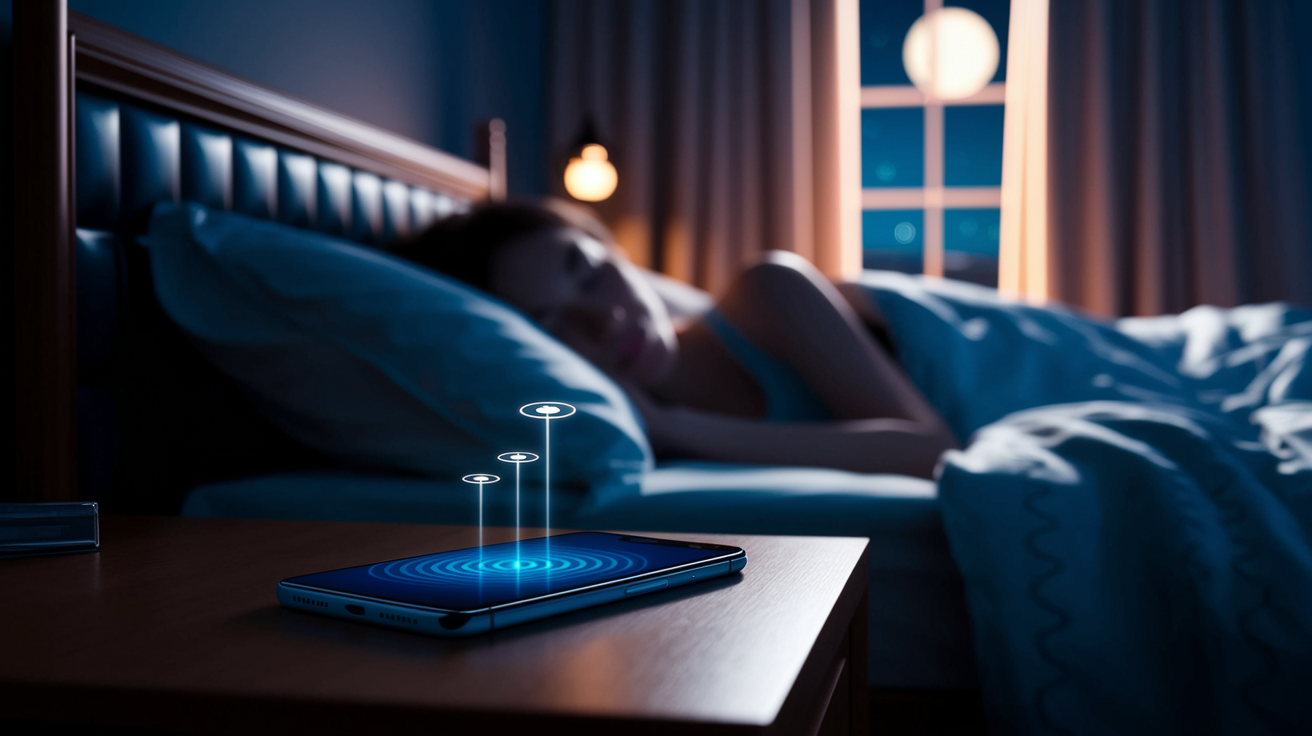
Sleep apps use your phone’s microphone and accelerometer, the sensor that picks up movement, to estimate when you’re tossing, turning, or making noise overnight. From there, they guess at when you woke up and for how long. It’s not perfect, but it’s an easy entry point if you want automatic sleep tracking without buying anything new.
Most apps work by placing your phone on the mattress or nightstand while you sleep. Some ask you to log a few details by hand too, like caffeine intake or how you’re feeling in the morning, since the sensors alone can’t capture everything. That mix of automatic detection and light manual input tends to work well for beginners who want data without committing to a full paper diary every night.
A few things worth knowing before you rely on an app for tracking night awakenings:
- Placement matters. A phone across the room won’t pick up much, and one buried under blankets might overheat or miss movement entirely.
- Accuracy varies by app and by person. Some flag every little shift as a wake-up, others miss brief awakenings you clearly remember.
- Battery drain is real. Running sensors all night can eat through your battery faster than usual, so charge before bed.
- Partners and pets can throw things off. A restless partner or a cat jumping on the bed might get logged as your movement.
None of this means apps aren’t worth using, they’re genuinely convenient, and for a lot of people, “good enough” data beats no data at all. But if you notice the numbers don’t match what you actually remember happening, trust your memory over the app and add a manual note. That combination, automated tracking plus your own observations, usually gives you the clearest picture of what’s actually going on at night.
Final Words
in the action: pick one tracker—paper, app, wearable, or bed sensor—note every remembered awakening’s time, estimated duration, likely trigger, and morning effect, then review after 2–4 weeks.
Compare methods by cost and effort and add brief manual notes when you remember a clear trigger.
Look at trends—weekly averages and repeated links—rather than one bad night, and judge results by morning functioning.
This quick how to track nighttime awakenings guide helps you spot patterns, test one small change, and bring useful notes to a clinician. Small steps add up.
FAQ
Q: Is there a device that just tracks sleep?
A: A device that just tracks sleep is a simple wearable, bed sensor, or sleep-only tracker that records movement and breathing and focuses on overnight data with minimal extra apps or smart features.
Q: What is a normal sleep score by age?
A: A normal sleep score by age doesn’t have one fixed number; sleep metrics change with age. Compare your score to your recent personal baseline and morning function rather than chasing an age-based ideal.
Q: Why isn’t my sleep being tracked on my iPhone?
A: Your sleep isn’t being tracked on your iPhone because tracking or permissions may be off, Sleep Mode or Health not set up, the phone wasn’t nearby or charging, or the app lacks motion/microphone access.
Q: How to track how long you slept?
A: To track how long you slept, note bedtime and final wake time in a diary or use a sleep app, wearable, or bed sensor, then compare totals across 2–4 weeks to spot patterns and morning effects.