

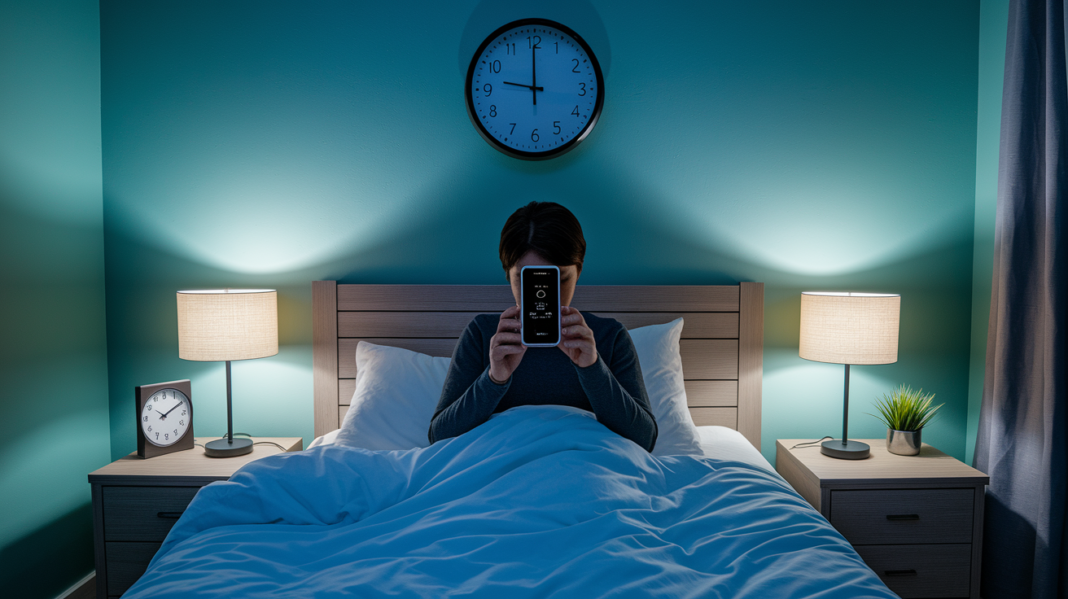

What if the secret to fixing tired mornings isn’t a high-tech gadget but a simple habit you start tonight?
This short guide shows how to track sleep with easy methods—your phone, a smartwatch, or a pen-and-paper sleep log—so you can spot real patterns instead of obsessing over one night or a single score.
Pick the method you’ll actually use, track three core signals (total sleep time, bedtime consistency, and awakenings) for a week, and you’ll have practical clues to test with small changes that can shift your energy.
Getting Started With Tracking Your Sleep
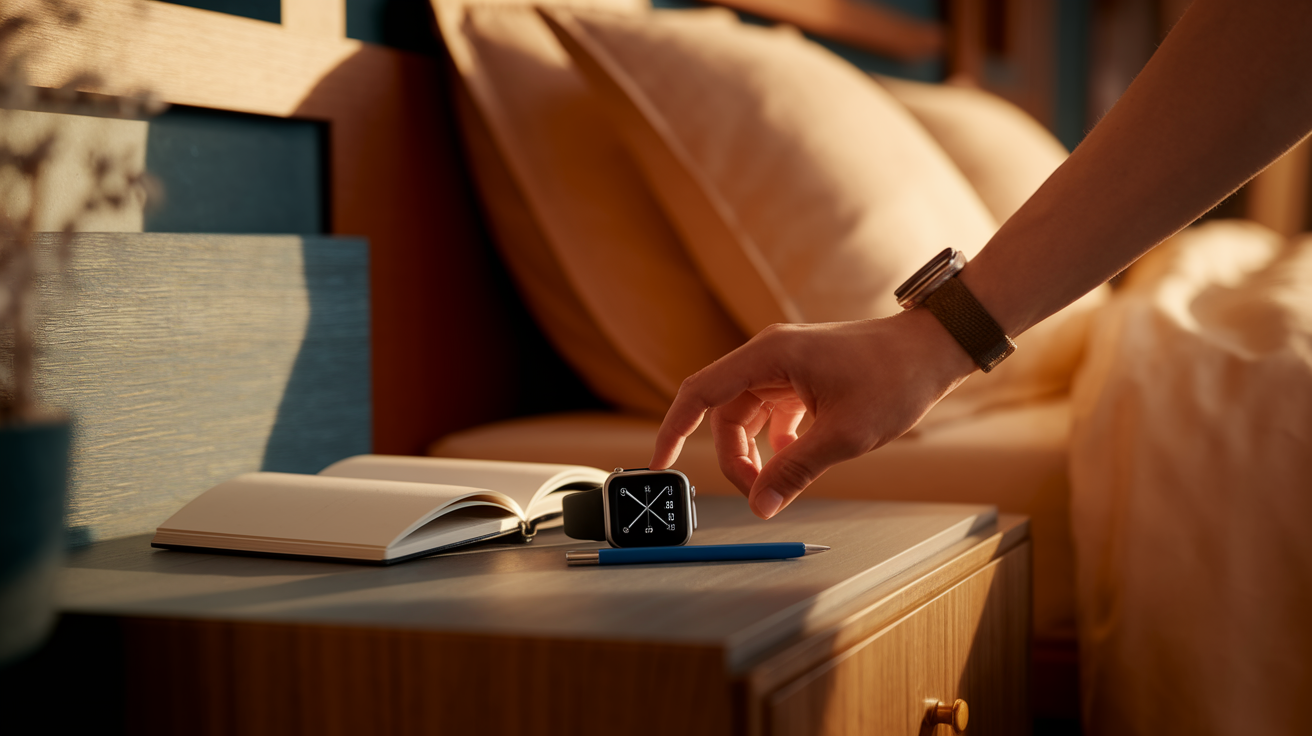
Pick a first method by asking yourself one question: what will I actually use tonight? If you already wear a fitness band or smartwatch during the day, wearing it to bed is the simplest starting point. If you charge your phone next to your pillow anyway, a sleep tracking app takes 30 seconds to set up. If both feel awkward or you don’t own a wearable, a pen and paper sleep log works fine and costs nothing. Your first week is about building the habit, not achieving perfect data.
Set up tonight by following the basics for your chosen method. For smartphone apps, open the app before you turn off the lights, grant microphone and motion permissions if prompted, place the phone on your nightstand or mattress edge within arm’s reach, and tap “Start tracking.” For wearables, make sure the device is charged above 30 percent, wear it snug enough that the sensor stays in contact with your skin but loose enough to feel comfortable, and check that sleep tracking is enabled in the companion app. For a manual log, keep a notebook and pen next to your bed and commit to writing down your bedtime and wake time every morning before you check your phone.
The metrics that matter most in your first week are total sleep time, consistency of your bedtime and wake time, and the number of times you remember waking up. These three signals show whether you’re getting enough hours, whether your schedule is stable, and whether interruptions are breaking up your night. Stage breakdowns and heart rate trends are interesting, but they mean little if your total sleep is wildly inconsistent or you’re only averaging five hours a night.
Five steps to set up sleep tracking before bed:
- Charge your device to at least 30 percent or confirm your phone is plugged in nearby.
- Open your tracking app or enable sleep mode on your wearable.
- Grant any requested permissions for motion, sound, or heart rate.
- Place your phone on a flat surface near your head or secure your wearable comfortably on your wrist or finger.
- Start the tracking session, set your morning alarm if the app includes a smart alarm feature, and turn off the lights.
Common Tools and Technologies for Sleep Tracking
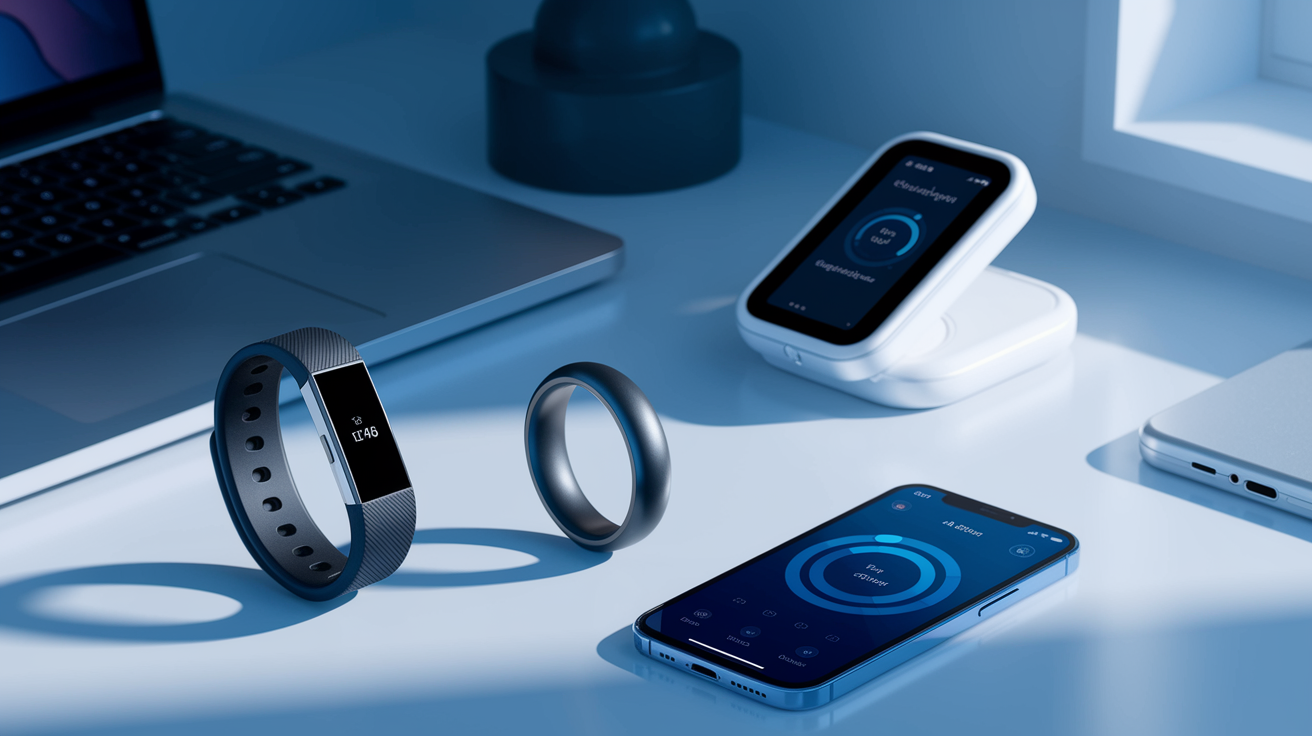
Fitness bands and smartwatches are the most popular wearable options because people already own them for step counting and heart rate monitoring. These devices use accelerometers to detect movement and optical sensors to measure heart rate and sometimes blood oxygen. During sleep, less movement combined with lower, steadier heart rate suggests deeper sleep stages, while frequent motion and elevated heart rate indicate lighter sleep or wakefulness. Examples include the Mi Band, Fitbit, and Apple Watch paired with compatible apps.
Smart rings and under mattress sensors offer tracking without the bulk of a wristband. A ring like the Oura Ring sits on your finger and monitors heart rate, heart rate variability, and movement throughout the night. Under mattress sensors, such as the Withings Sleep Analyzer, slide under your mattress as a thin pad and measure breathing rate, heart rate, and time actually asleep without requiring you to wear anything. These options work well if wrist devices feel uncomfortable or interfere with your sleep.
Smartphone apps provide a no hardware cost alternative by using your phone’s microphone and accelerometer to analyze breathing sounds, snoring, movement, and even sleep talking. Apps like SleepAsAndroid and SleepCycle require you to place your phone near your head on the mattress or nightstand, launch the app before bed, and let it record audio and motion data overnight. Many include smart alarms that aim to wake you during a lighter sleep phase to reduce grogginess. These apps are rated 4.6 on the App Store and 4.5 on Google Play, and some offer a “Try Free for 30 Days” option during feature rollouts.
Six common device types and their core functions:
Wrist fitness bands track movement, heart rate, and estimate sleep stages automatically when worn to bed.
Smartwatches add sleep tracking to daily activity monitoring, often sync with health apps for longitudinal trends.
Smart rings measure heart rate, HRV, and movement from your finger. Lightweight and unobtrusive.
Under mattress sensors capture breathing, heart rate, and body movement without wearables. Placed under your mattress.
Bedside monitors use sound and environmental sensors to detect snoring, room temperature, and awakenings.
Smartphone apps leverage microphone and motion sensors to analyze breathing, snoring, and movement patterns. Usually include playback of recorded sounds.
Key Metrics Your Sleep Tracker Measures
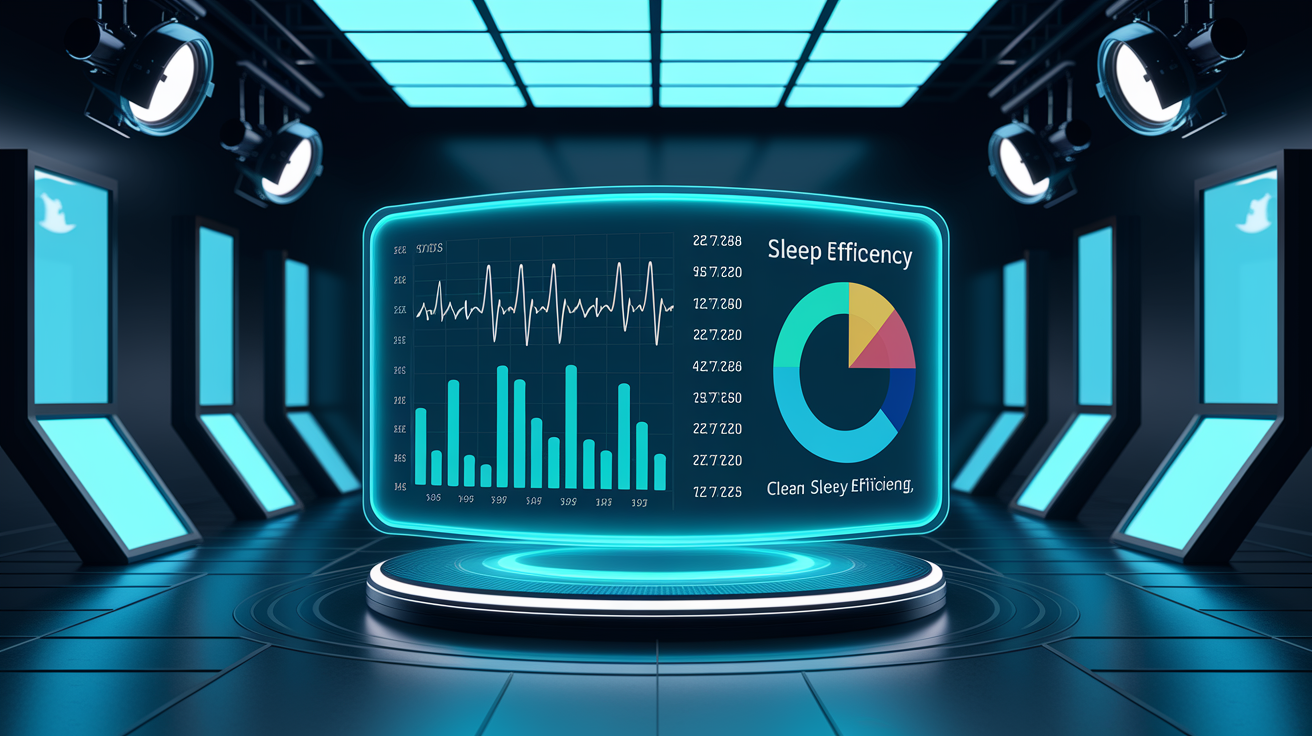
Most trackers estimate how much time you spend in light, deep, and REM sleep, how long it takes you to fall asleep, how many times you wake up, and your total time in bed versus actual sleep time. These metrics rely on movement patterns picked up by accelerometers and heart rate changes captured by optical sensors. When you’re in deep sleep, your heart rate drops and you barely move. During REM sleep, your heart rate becomes more variable and your body is mostly still except for rapid eye movements, which some advanced trackers infer from subtle wrist or finger motion. Light sleep sits between the two, with moderate movement and a heart rate that’s lower than awake but higher than deep sleep.
Sleep efficiency tells you the percentage of time in bed that you actually spent asleep. If you’re in bed for eight hours but only asleep for six and a half, your sleep efficiency is about 81 percent. Consistently low efficiency suggests you’re spending too much time awake in bed, which can signal stress, poor sleep hygiene, or an underlying sleep issue. Tracking apps and wearables calculate this automatically by comparing your “time in bed” to your “time asleep.”
Restlessness or awakenings show how often you stir, roll over, or fully wake during the night. Some movement is normal, but frequent or long awakenings can fragment your sleep cycles and leave you feeling unrefreshed. A tracker logs these events so you can look for patterns tied to late meals, caffeine, alcohol, room temperature, or stress.
| Metric | What It Indicates | Typical Range |
|---|---|---|
| Light Sleep | Transition and maintenance sleep, easiest to wake from | 45–55% of total sleep (225–255 minutes in 8 hours) |
| Deep Sleep | Physical restoration, immune function, memory consolidation | 10–20% of total sleep (50–90 minutes) |
| REM Sleep | Dreaming, emotional processing, learning | 10–25% of total sleep (60–105 minutes) |
| Awakenings | Interruptions, restlessness, or full conscious periods | 5–20% of time in bed (15–90 minutes total) |
| Sleep Efficiency | Percentage of time in bed actually asleep | 85% or higher is considered good |
Methods for Tracking Sleep Without Devices
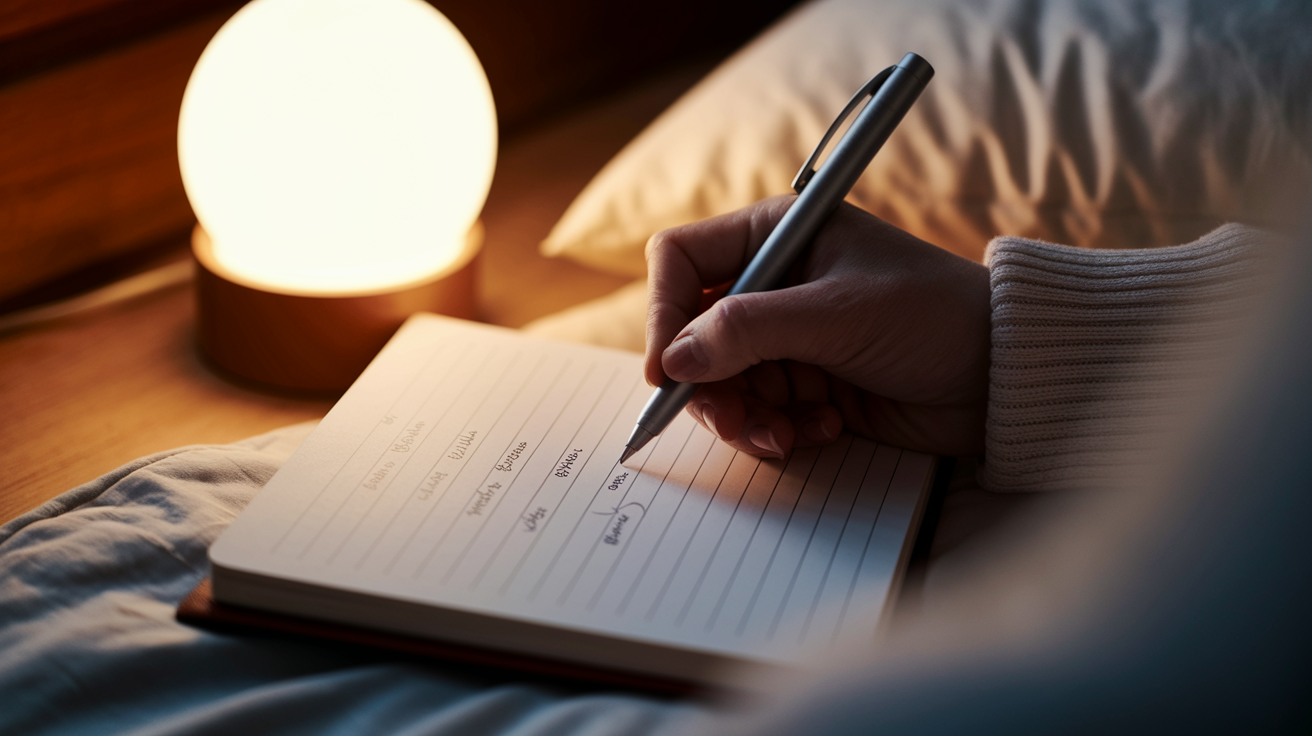
A sleep diary is a simple notebook or notes app entry you fill out each morning and sometimes before bed. Clinical sleep specialists still use this method because it captures context that devices miss, like how you felt before sleep, what you ate or drank, and whether work stress kept you up. You don’t need sensors or algorithms, just consistency and honesty. Write down your bedtime within five minutes of lights out, record your wake time as soon as you check the clock, and add a sentence about how rested you feel.
Manual logs work best when paired with a regular review routine. Set a weekly reminder to read back through your entries and look for patterns. If you notice you sleep poorly every time you have coffee after 2 p.m., or you wake up at 3 a.m. on nights you skip dinner, those are actionable signals you can test. The act of writing also builds awareness. Many people realize they’re going to bed much later than they thought, or that “just one drink” happens five nights a week.
Six things to record in a sleep diary:
Bedtime and lights out time. The moment you actually tried to fall asleep, not when you got into bed with your phone.
Wake time. When you first opened your eyes and got out of bed, not when your alarm went off if you snoozed.
Number and timing of awakenings. How many times you remember waking, and rough times if you checked a clock.
Caffeine and alcohol intake. What you had, how much, and when during the day or evening.
Naps. Duration and time of day for any daytime sleep.
Subjective sleep quality. A simple rating from 1 to 5, or a short phrase like “restless” or “deep and refreshing.”
Understanding Sleep Pattern Trends Over Time
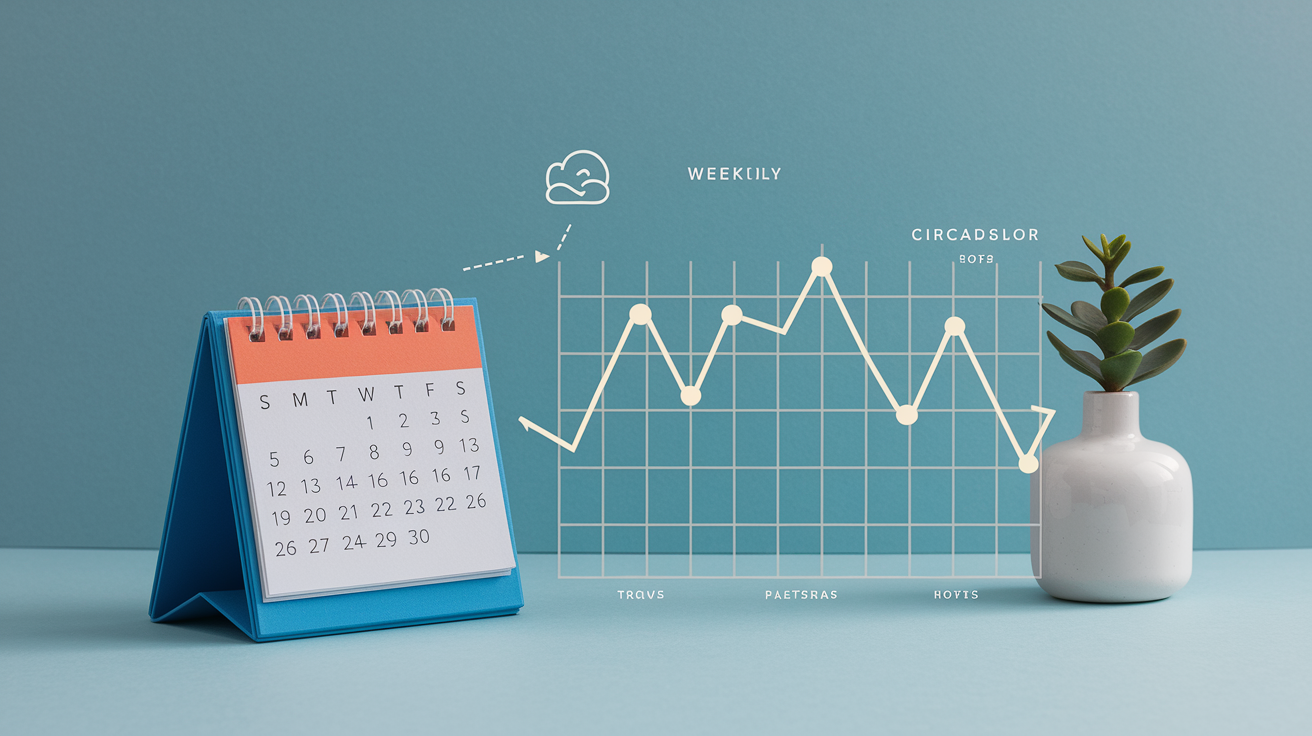
Look at your data in weekly and monthly views, not night by night. One rough night means little. A string of late bedtimes followed by inconsistent wake times tells you your circadian rhythm is drifting. If your tracker shows you’re averaging six hours of sleep during the work week and nine hours on weekends, you’re likely carrying chronic sleep debt that weekend “catch up” sleep can’t fully erase. The pattern matters more than any single number.
Weekly trends highlight the impact of your schedule and habits. If deep sleep drops every Thursday and Friday, ask what’s different on those days. Late meetings? Gym sessions that run long? A glass of wine with dinner? If your REM sleep is consistently low and you’re waking up during the second half of the night, alcohol or an early alarm might be cutting your last sleep cycles short. REM increases in the later cycles, so anything that shortens total sleep time hits REM hardest.
Monthly patterns reveal whether changes stick. If you moved your bedtime 30 minutes earlier and your sleep efficiency climbed from 78 percent to 87 percent over three weeks, the habit is working. If you cut out caffeine after lunch and your middle of the night awakenings dropped from four per night to one, you’ve found a trigger. Tracking turns these experiments from guesses into measurable tests.
Red flags in your data include consistently sleeping fewer than six hours, taking more than 30 minutes to fall asleep most nights, waking up more than three times per night, feeling unrefreshed despite logging seven to eight hours, or seeing your heart rate spike repeatedly during sleep without an obvious cause like a nightmare or noise. These patterns suggest your sleep quality is poor even if the duration looks acceptable, and they’re worth investigating with habit changes or a conversation with a healthcare professional.
Improving Sleep Using Your Tracking Data
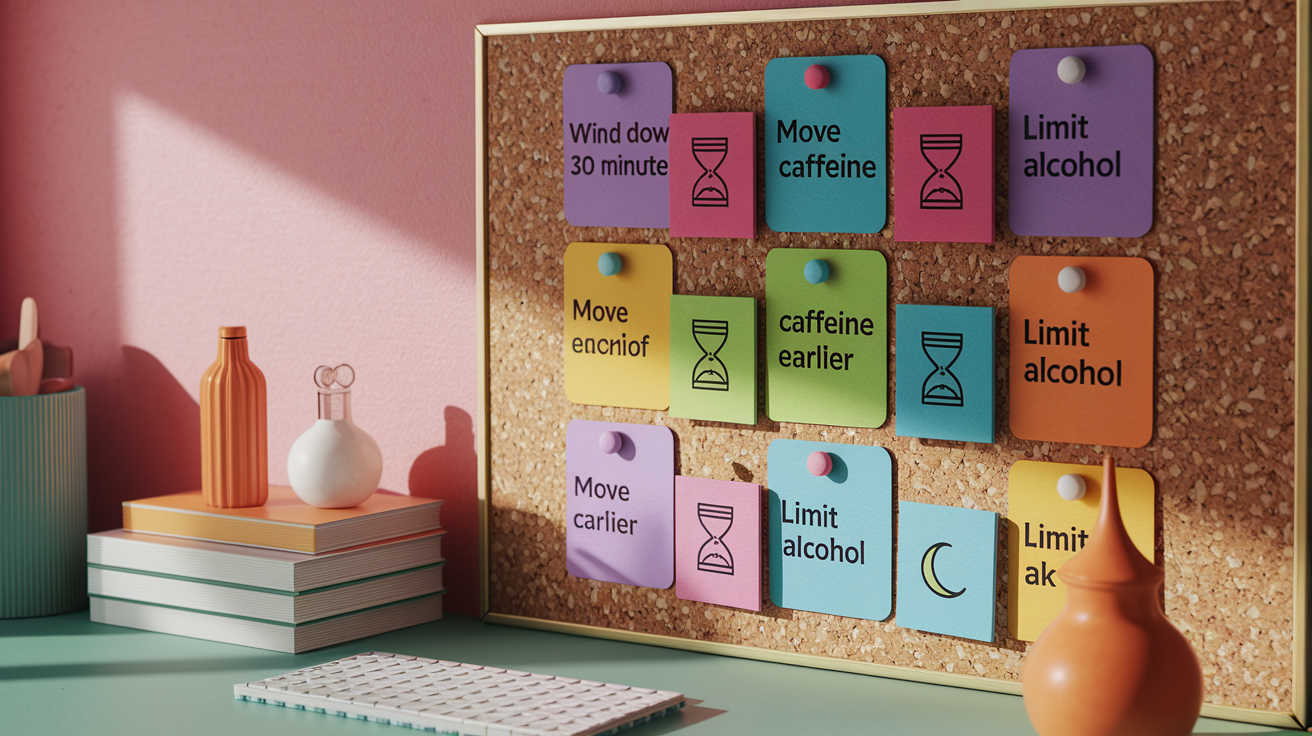
Start by identifying the one or two factors that show up most often in your worst nights. If your data shows frequent awakenings after nights when you drank alcohol, try limiting drinks to earlier in the evening or cutting back for a week to see if the pattern changes. If your sleep efficiency is low because you’re lying awake for 40 minutes before falling asleep, your tracker is telling you that you’re going to bed before your body is ready. Push bedtime 15 minutes later and see if you fall asleep faster.
Use your tracker to test small changes one at a time. Add a 10 minute wind down routine before bed, then check whether your time to fall asleep decreases over the next five nights. Move your last cup of coffee from 3 p.m. to noon and watch your deep sleep percentage for a week. Turn your phone on Do Not Disturb an hour before lights out and see if restlessness decreases. Each change becomes a mini experiment with a clear before and after comparison in your sleep log.
Consistency matters more than perfection. Your tracker will show this clearly. Nights when you go to bed within 30 minutes of your usual time and wake up at the same time produce better sleep efficiency and more time in restorative stages than nights when your schedule swings by two hours, even if your total time in bed is the same. A stable sleep schedule anchors your circadian rhythm, which improves how quickly you fall asleep, how deeply you sleep, and how alert you feel the next day.
Six evidence based habit changes informed by tracking data:
- Set a consistent bedtime and wake time, even on weekends. Data will show improved sleep efficiency and fewer awakenings within two weeks.
- Move caffeine earlier in the day. If your tracker shows restlessness or shallow sleep after late afternoon coffee, stop caffeine by noon and compare your deep sleep percentage.
- Limit alcohol in the evening. Alcohol may help you fall asleep faster, but tracking often reveals reduced deep sleep and more awakenings in the second half of the night.
- Create a 30 minute wind down buffer. Dim lights, put your phone away, and do something calm. Trackers show shorter time to fall asleep and better sleep efficiency when this routine is consistent.
- Control your sleep environment. If your tracker shows more awakenings on warm nights, lower your bedroom temperature. Cooler rooms support deeper sleep.
- Use a smart alarm to wake during light sleep. Many apps can reduce grogginess by waking you at an optimal point in your sleep cycle rather than jarring you out of deep sleep.
When to Seek Professional Evaluation
If your tracker consistently shows poor sleep despite good habits, or if you notice patterns that suggest a medical issue, it’s time to talk with a healthcare professional. Tracking data is useful for spotting problems, but it can’t diagnose them. Devices that rely on movement and heart rate aren’t as accurate as clinical tests like polysomnography, which uses EEG, eye movement sensors, and respiratory monitoring to measure brain waves, breathing interruptions, and true sleep stages.
Some patterns are red flags that go beyond habit tweaks. Loud snoring followed by silent pauses, gasping, or choking sounds recorded by your app’s audio playback may indicate sleep apnea, a condition where your airway repeatedly closes during sleep. Extreme daytime sleepiness despite logging eight hours, sudden sleep attacks during the day, or feeling paralyzed when waking up can signal narcolepsy or other disorders. Chronic insomnia that lasts more than three months and affects your work, mood, or safety warrants professional evaluation, not just another app.
Five red flags that suggest you should consult a sleep specialist:
Frequent loud snoring with gasping or choking, especially if a partner reports pauses in your breathing during sleep.
Chronic insomnia lasting more than three months. Difficulty falling asleep or staying asleep most nights, despite trying habit changes.
Excessive daytime sleepiness. Falling asleep during meetings, while driving, or at other dangerous times, even after a full night in bed.
Unusual heart rate spikes or irregular patterns during sleep. If your wearable shows repeated unexplained HR jumps or drops that don’t match movement or noise.
Unrefreshing sleep with no clear cause. Consistently feeling exhausted after seven to nine hours of tracked sleep, with no improvement from adjusting schedule, caffeine, alcohol, or environment.
Final Words
Start tonight: pick an app, wearable, or a sleep diary and note bedtime, wake time, and awakenings.
Compare tools and watch core metrics, like total sleep, sleep stages, and consistency, so you can spot weekly trends.
Use the data to try one small habit change, such as earlier caffeine cut-off, steadier bedtime, or a wind-down routine, and get help if red flags show.
Track for one week, spot patterns, tweak one thing, then reassess. This is how to track sleep patterns that help your energy and mood. Keep going. Small experiments add up.
FAQ
Q: What is the 10 5 3 2 1 rule for sleep?
A: The 10 5 3 2 1 rule for sleep is a simple pre-bed timeline: 10 hours pre-bed limit big meals, 5 hours skip alcohol, 3 hours avoid intense exercise, 2 hours cut caffeine, 1 hour no screens and relax.
Q: How can I track my sleep patterns?
A: You can track your sleep patterns by using a smartphone app, wearable, or a simple sleep diary; record bedtime, wake time, nighttime awakenings, naps, and note caffeine or alcohol to spot patterns.
Q: Is 40 minutes of deep sleep a night enough?
A: Forty minutes of deep sleep a night can be enough for some people if total sleep and daytime alertness are good, but most adults get more deep sleep—watch how you feel and track trends.
Q: What is the 123 sleep rule?
A: The 123 sleep rule is a short pre-sleep checklist many use: 1 hour wind-down with no screens, 2 hours cut caffeine, and 3 hours avoid heavy meals or intense exercise as a testable habit.