

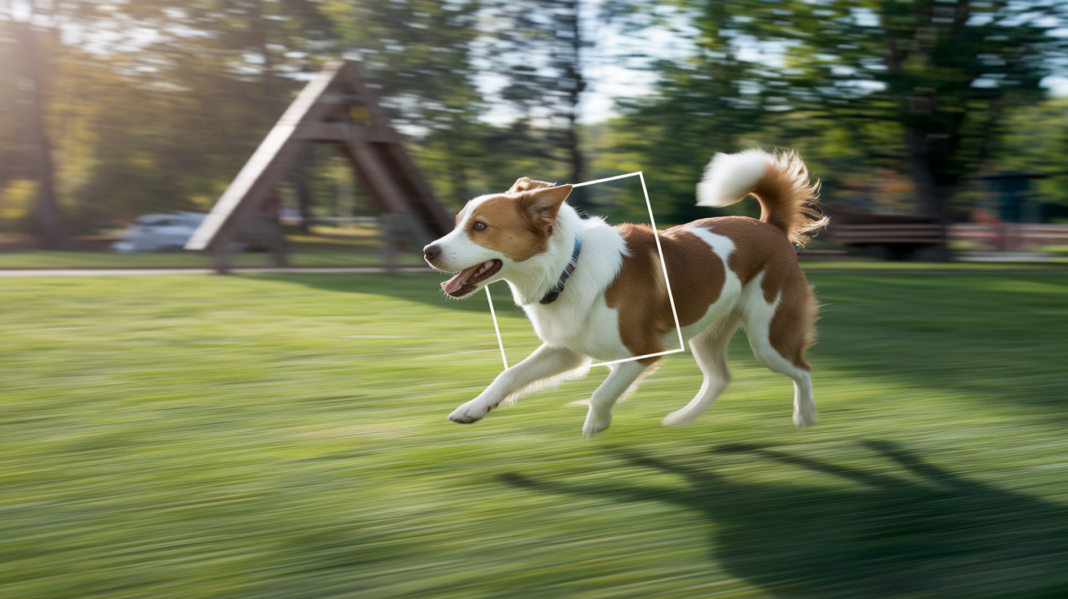

Think autofocus should just work every time?
Many people blame blur on bad luck, but cameras have a tool to help: focus tracking.
It’s the continuous autofocus mode that re-measures distance and predicts where a moving subject will be when the shutter fires.
In this post you’ll learn how focus tracking actually works, the main tracking methods (phase, contrast, hybrid, AI), and practical settings and quick tests you can try so your action shots come out sharp more often.
Focus Tracking Definition and the Short Answer
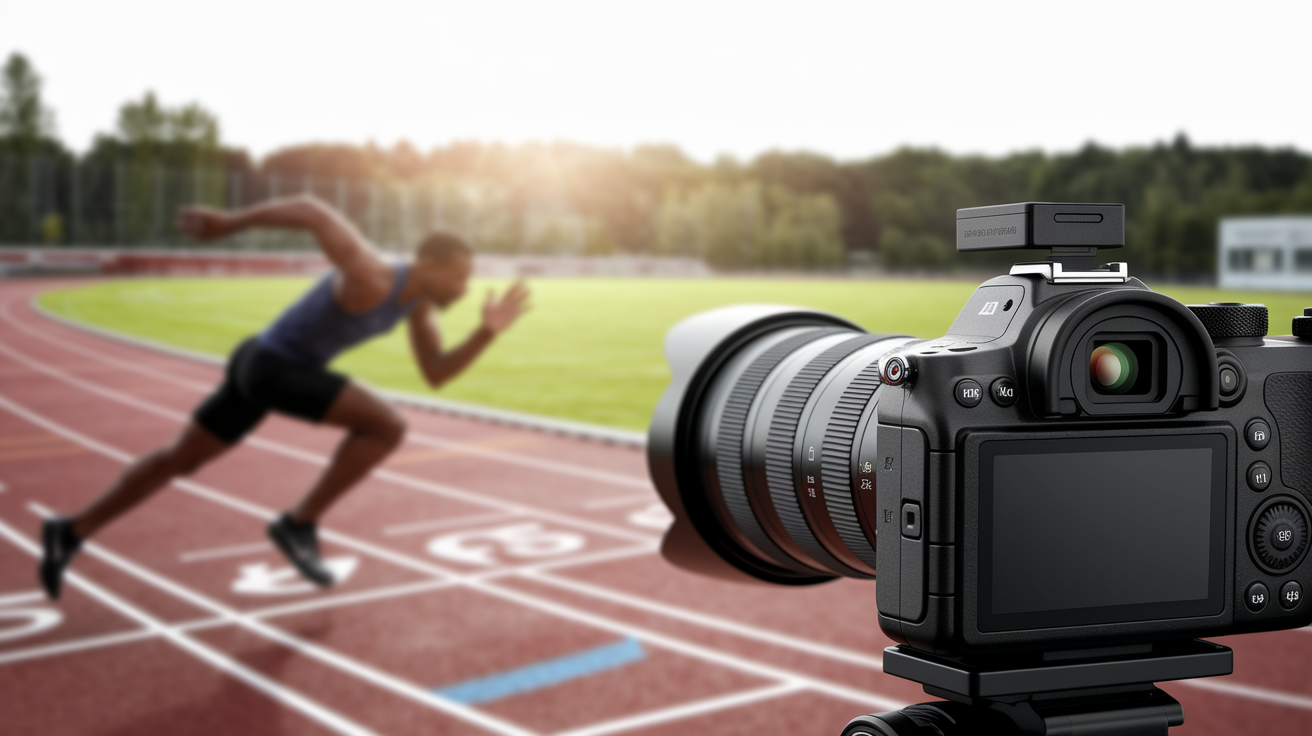
Focus tracking is a camera function that continuously updates autofocus so a moving subject stays sharp. It works by holding the shutter button halfway, or a rear focus button, while the camera keeps re-measuring distance and adjusting the lens.
Here’s the thing about missed shots people often mix up: a blurry subject isn’t always a focus problem. If the camera locked onto the wrong spot, or lost the subject, that’s a tracking failure. But if the subject itself looks smeared or streaked even though it was in focus, that’s motion blur, and it comes down to shutter speed, not autofocus. Slower shutter speeds make fast movement look like a smear no matter how good your tracking was.
You’ll see this feature under different names depending on your gear. Nikon and Sony call it AF-C. Canon calls it AI Servo or Continuous Servo AF. It’s built for subjects moving toward you, away from you, or across your frame, think athletes, birds, pets, kids running around, or cars passing by. Unlike single AF, which grabs focus once and holds it, continuous tracking keeps working the whole time you’re half-pressing that shutter.
- Single AF: locks focus at one distance.
- Continuous AF: updates focus as distance changes.
- Subject tracking: follows a recognised subject across focus points.
- Face or eye tracking: prioritises a detected face or eye.
None of this guarantees every single frame will come out tack sharp. Focus tracking improves your odds, a lot, but fast or erratic subjects can still slip past even a good system.
How Focus Tracking Predicts a Moving Subject
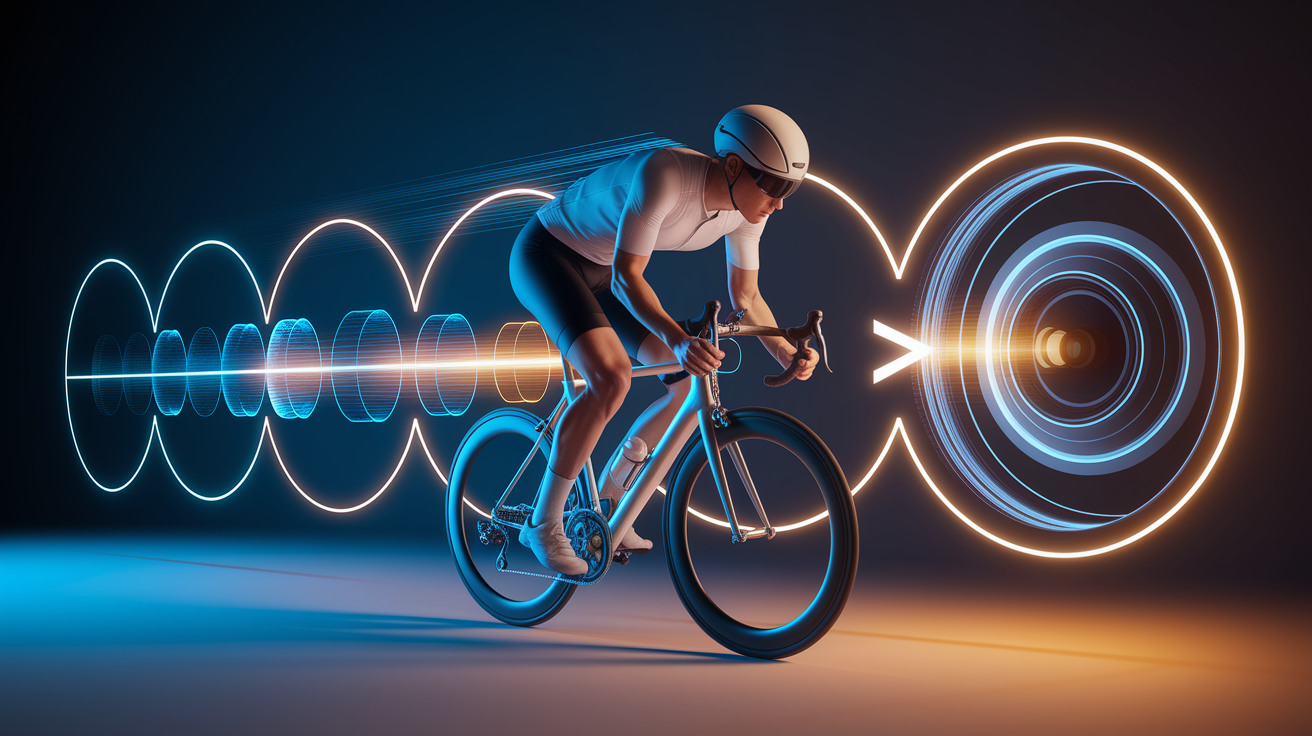
Continuous autofocus isn’t just “focus and forget.” It’s a loop that keeps running as long as you’re holding that shutter or back button down, and understanding the loop helps explain why it sometimes struggles.
First, the autofocus sensor or the imaging sensor itself measures focus and locks onto a target. This is the starting point. The camera needs to know what it’s supposed to be tracking before it can do anything useful with that information.
Next, the processor looks at how that subject is moving. It may factor in speed, size, distance, and direction to guess where the subject will actually be by the time the photo gets taken. This matters because there’s always a small delay between you pressing the shutter and the camera capturing the image, and predictive tracking exists to close that gap.
Then the lens motor physically shifts the focus distance based on that prediction, right before exposure happens. And the whole process repeats itself continuously, as long as autofocus stays engaged, including between frames during a burst sequence.
A lot of things affect how well this works in practice: frame rate, processing delay, how fast the lens motor can actually move, available light, how much contrast the subject has against its background, and even firmware versions. A simple way to picture the whole system is a diagram labeled “Subject motion, sensor data, processor prediction, lens adjustment, updated focus,” which is basically the loop repeating itself many times per second.
Focus Tracking Methods: Phase, Contrast, Hybrid, and AI Autofocus
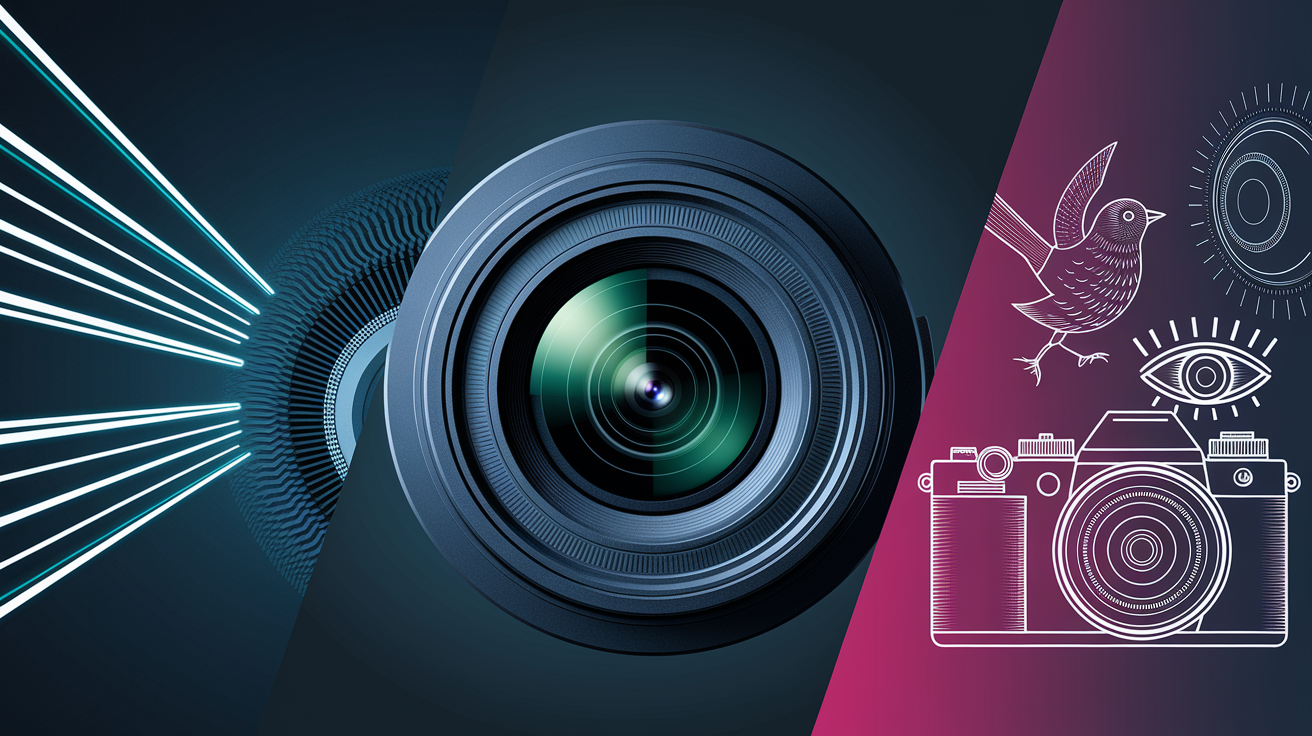
Not all focus tracking works the same way under the hood. The method your camera uses affects how fast it locks on, how well it handles low light, and how much it “hunts” before settling.
Phase-Detection Focus Tracking
Phase-detection autofocus is fast, and it can tell the camera both which direction to adjust focus and roughly how far to move, which makes it especially well suited for continuous tracking. DSLRs typically use a dedicated phase-detection sensor tucked inside the camera body, while mirrorless cameras usually embed phase-detection pixels directly onto the main imaging sensor.
Contrast-Detection Subject Tracking
Contrast-detection autofocus works differently. It moves the lens back and forth until the image contrast on the sensor hits its peak, and that peak sharpness correlates with proper focus. It can be quite accurate, but it tends to be slower and more prone to visible hunting, that back-and-forth wobble you sometimes see before focus locks. Nikon COOLPIX cameras are a good real-world example of contrast-detection subject tracking in action.
Hybrid and AI-Based Focus Tracking
Many modern cameras combine both methods into a hybrid system, using phase-detection for speed and contrast-detection for fine accuracy. On top of that, higher-end mirrorless bodies increasingly add AI-based subject recognition, helping the camera identify and prioritize faces, eyes, animals, birds, or vehicles automatically.
| Focus Tracking Method | How It Works | Main Strength | Typical Limitation |
|---|---|---|---|
| Phase Detection | Measures light phase differences to determine focus direction and distance | Fast, good for continuous tracking | Can struggle in very low light |
| Contrast Detection | Moves lens to the point of highest image contrast | Accurate focus confirmation | Slower, prone to visible hunting |
| Hybrid Autofocus | Combines phase and contrast data for speed and precision | Balances speed with accuracy | Performance varies by implementation |
| AI Subject Recognition | Uses machine learning to identify and prioritize subjects | Reliably tracks faces, eyes, animals, vehicles | Depends on training data and processing power |
How to Enable Focus Tracking and Choose an AF Area
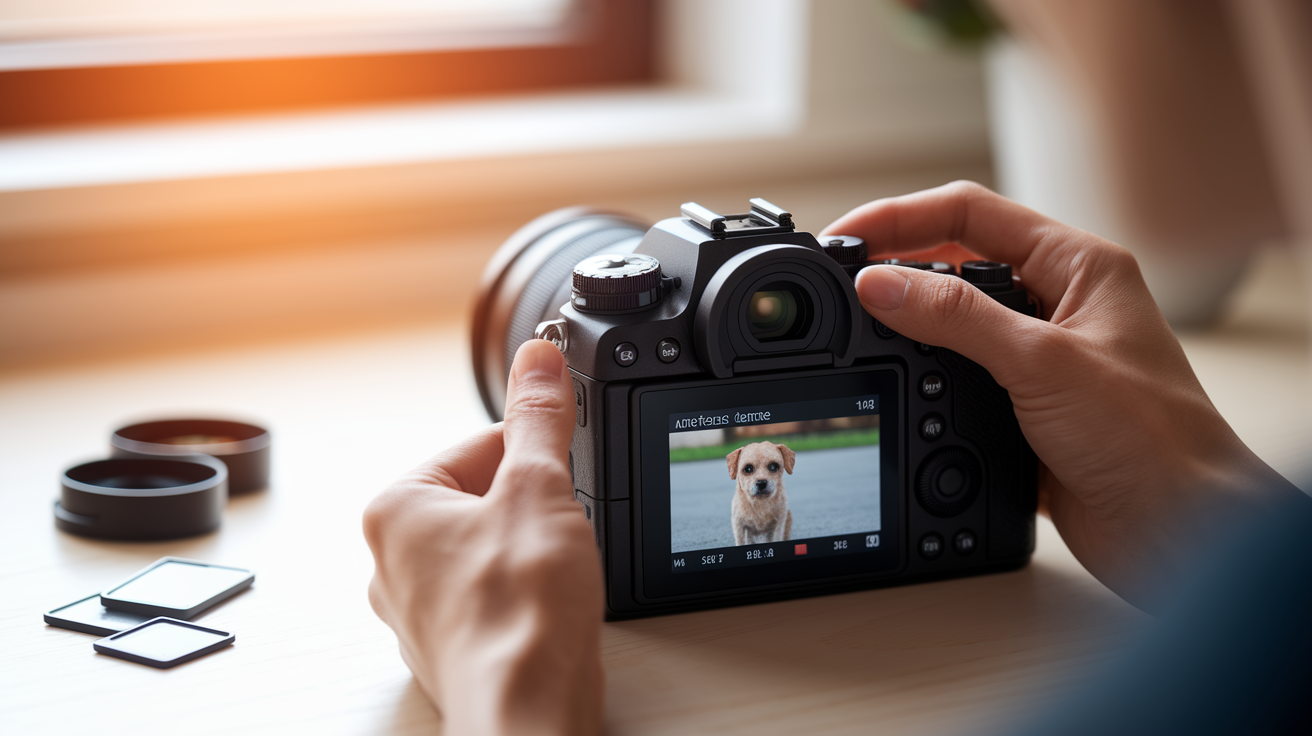
Every camera brand names things a little differently, which trips up a lot of people switching systems. Nikon and Sony use AF-C. Canon uses
Final Words
Use AF-C or AI Servo, place the active point on your subject, and hold focus while you track. These basics help keep moving subjects sharp.
You learned how cameras predict motion, the main focus-tracking methods, and quick settings for sports, wildlife, and portraits. Troubleshooting tips and when to choose AF-S or manual are included too.
If you’re still asking what is focus tracking, think of it as continuous autofocus that updates focus as a subject moves. Try small tests—AF area, back-button focus, burst shooting—and you’ll start landing sharper frames.
FAQ
Q: Should I turn focus on or off, and should I use tracking auto focus?
A: Turning focus on lets the camera keep refocusing; turning it off locks focus. Use tracking AF when subjects move (sports, kids, pets). Turn it off or use single-shot/manual for still or low-contrast scenes.
Q: How do I use focus tracking on my Nikon D850?
A: To use focus tracking on your Nikon D850, set AF mode to AF‑C (hold AF‑mode and rotate the main dial), pick Dynamic/Zone/3D AF, place the active point, then half‑press or use back‑button focus while following the subject.
Q: How do I use focus tracking on my Sony FX3?
A: To use focus tracking on your Sony FX3, choose AF‑C and set Focus Area to Tracking or Real‑time Tracking, enable face/eye detection if needed, put the tracking box on the subject, then half‑press or press AF‑ON.