

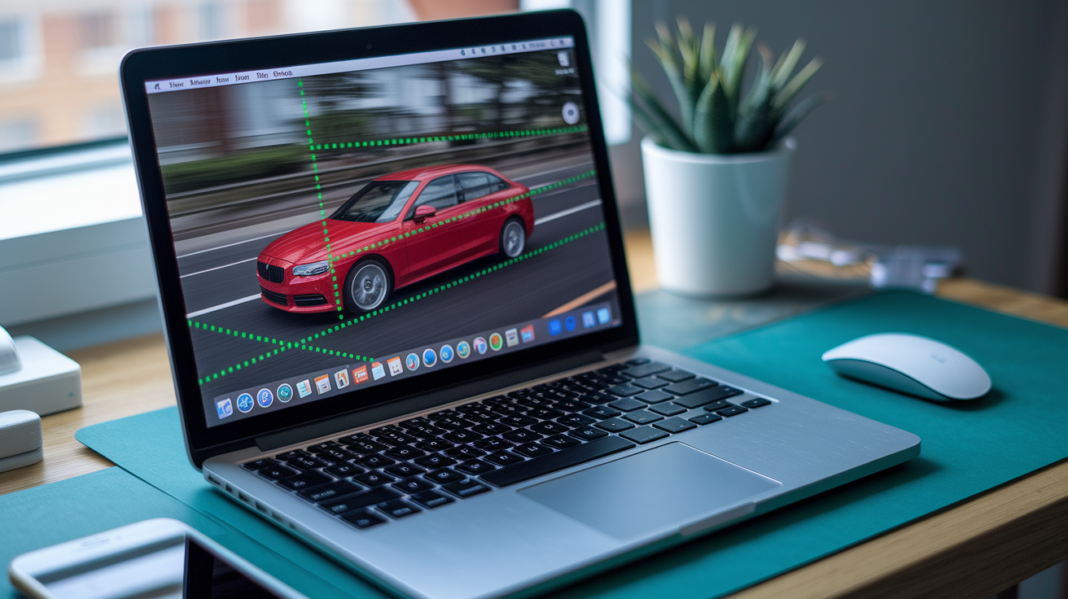

Can machines really follow a moving person the way your eyes do?
Object tracking does exactly that: it keeps the same object across video frames instead of treating each frame like a new photo.
That simple idea changes how cameras, robots, and apps understand motion.
This post lays out the four-stage loop: target initialization, appearance modeling, motion estimation, and target positioning, then digs into the key algorithms behind those steps, from optical flow to Kalman and particle filters.
By the end you’ll know how tracking works, when it helps, and what trips it up.
Object Tracking Explained: Core Mechanism
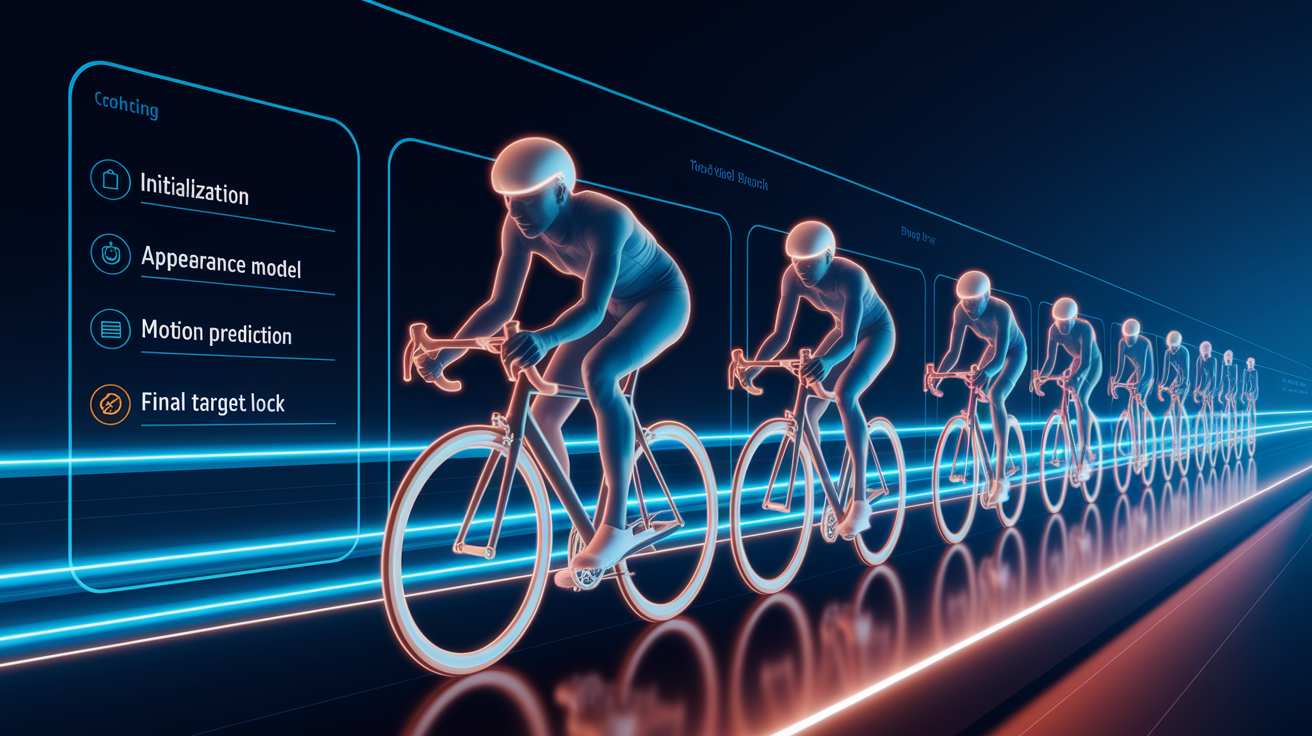
Object tracking locates the same object across successive video frames, following where it goes instead of just spotting it once. That’s what separates it from object detection, which only identifies objects within a single frame and has no memory of what came before. Detection is a snapshot. Tracking is a story.
So how does object tracking actually work? It runs through a four-stage pipeline, and once you understand these stages, most of the confusion clears up.
- Target initialization: establish the object to follow, usually through a manual bounding box or an initial detector result.
- Appearance modelling: represent the target visually so it stays recognisable as lighting, pose, or scale changes.
- Motion estimation: predict the target’s movement from previous frames.
- Target positioning: figure out the target’s most likely location in the current frame.
Once initialized, this loop repeats frame after frame, and it brings some real advantages. Tracking is often faster than running detection on every single frame, since scanning a small predicted search area beats scanning the whole image. It also bridges those brief moments when the object is partly hidden or blurry, something detection alone would completely miss. And it keeps a consistent identity on the object over time, so the system knows it’s still watching the same car, person, or ball rather than treating each frame like a fresh mystery.
The Algorithms Behind Object Tracking

The four-stage pipeline explains what happens at each step, but not the actual math getting it there. This section looks under the hood at the calculations behind motion estimation and target positioning.
Optical Flow
Optical flow figures out movement by watching how pixel patterns shift from one frame to the next. The idea is simple: brightness patterns tend to stay put, they just move around, so tracking where they go tells you how things are moving.
Dense optical flow, like the Farneback method, calculates a motion vector for every single pixel in the frame. Thorough, but heavy on compute. Sparse optical flow, such as Lucas Kanade (also called KLT), only follows a handful of selected feature points, typically tens to a few hundred per region of interest. Both approaches assume the movement between frames is small and that brightness stays relatively stable. Dense flow suits detailed motion analysis across a whole scene, while sparse flow suits lighter, faster tracking of specific points.
Kalman and Particle Filters
A Kalman filter predicts where the target will be next, then corrects that guess once a new observation comes in. It typically assumes constant velocity or constant acceleration, and works with a state vector of 4 to 8 elements, things like centroid x, y, vx, vy, or a bounding box’s position, size, and velocity. When motion and noise behave in a roughly linear, predictable way, Kalman filters are efficient and smooth things out nicely.
Particle filters take a different approach. Instead of one predicted state, they hold onto many possible states at once, each with its own probability. This makes them better suited for nonlinear motion or messy, non Gaussian uncertainty, like a target that might dart in unpredictable directions. The trade-off is compute cost, since particle filters ask for a lot more processing power than a Kalman filter’s tidy math.
Region-Based Trackers
Meanshift searches for the peak of a colour or appearance density distribution, essentially climbing toward the spot where the target’s visual signature is strongest. Camshift builds on this by adapting the search window’s size and orientation as the target moves closer, farther, or turns.
These methods do well when the target has a distinctive look, a bright red jacket in a grey crowd, for example. But they can struggle when the background shares similar colours, or when the target’s appearance changes substantially, like moving from sunlight into shadow.
Feature detectors and descriptors power a lot of sparse tracking behind the scenes:
- Harris: detects corners by measuring intensity changes in multiple directions, useful for stable, easy-to-spot points.
- FAST: a quick corner detector built for speed, well suited to real-time applications with limited compute.
- SIFT: identifies distinctive keypoints that stay recognizable across scale and rotation changes, good for matching across very different views.
- ORB: a faster, lighter alternative to SIFT that still handles rotation, popular when speed matters as much as accuracy.
Together, these detected features support correspondence between frames, letting sparse trackers update the target’s location even when only a few points remain visible.
Single-Object vs Multi-Object Tracking Methods

Single-object tracking, or SOT, follows one initialized target through a video. Nothing more. Multi-object tracking, or MOT, has a tougher job, keeping track of several targets at once, each with its own identity, even as they cross paths or leave the frame.
Single-Object Tracking
SOT starts with a bounding box drawn around the target in the first frame, then works to update that box’s location as the video plays on. Classic correlation-filter trackers handle this efficiently. MOSSE is fast and lightweight, built for speed over precision. KCF improves on this with richer feature representations, trading a bit of speed for better accuracy. CSRT goes further still, handling scale and appearance changes more gracefully, though at a slower processing rate.
Newer options like GOTURN and Siamese-based trackers push this further using learned representations rather than handcrafted filters, but their inner workings deserve their own space in the deep learning discussion later.
Multi-Object Tracking
Multi-object tracking commonly relies on a strategy called tracking-by-detection. A detector runs on each frame, or on a schedule of frames, and produces a list of candidate objects. That alone doesn’t tell the system who’s who from one frame to the next. That’s where association comes in.
Association links each new detection to an existing track, or decides that it’s a brand new object altogether. This decision can lean on predicted motion, does it sit where we expected the object to be, bounding box overlap, does the new detection sit where the old track predicted, appearance similarity, does it look like the same object, or some combination of all three. Missed detections, false positives, objects wandering in and out of frame, and occlusion all complicate this matching process, which is why robust association logic matters so much in crowded scenes.
Final Words
In the action, we defined object tracking vs detection and walked through the four-stage pipeline: initialization, appearance, motion, and positioning.
Next we dug into how algorithms estimate motion and position, like optical flow, Kalman and particle filters, and region trackers. We also compared single-object and multi-object strategies and showed how deep learning (Siamese, regression, transformers) makes appearance modeling stronger.
If you still wonder how does object tracking work, try a quick experiment. It’s about finding the same thing across frames, testing one small change, and watching what shifts. You’ll likely see clearer signals fast.
FAQ
Q: What are some common object tracking techniques?
A: Common object tracking techniques include optical flow (dense Farneback, sparse KLT), correlation-filter trackers (MOSSE, KCF), state estimators (Kalman, particle filters), tracking-by-detection with association, and deep Siamese or transformer trackers.
Q: Can ChatGPT do object detection?
A: ChatGPT can’t run visual object detection directly but can write code, explain models, suggest datasets, and help you set up detectors like YOLO to run object detection locally or in the cloud.
Q: Is YOLO considered AI? Can YOLO be used for object tracking?
A: YOLO is considered an AI-based object detector, and it can be used for tracking by supplying per-frame detections to trackers or association methods such as SORT, Deep SORT, or other tracking-by-detection pipelines.