


What if machines could “see” and actually understand what they see, spotting a face, reading a sign, or flagging a broken part on a factory line?
Computer vision and pattern recognition are the two simple ideas behind that ability.
Computer vision focuses on interpreting images and video.
Pattern recognition finds the repeated shapes or signals that make interpretation possible.
In this post, we’ll explain how pixels become useful outputs, walk through the basic pipeline from capture to labeled result, and give small tests you can try to notice these patterns yourself.
Computer Vision and Pattern Recognition in Plain English
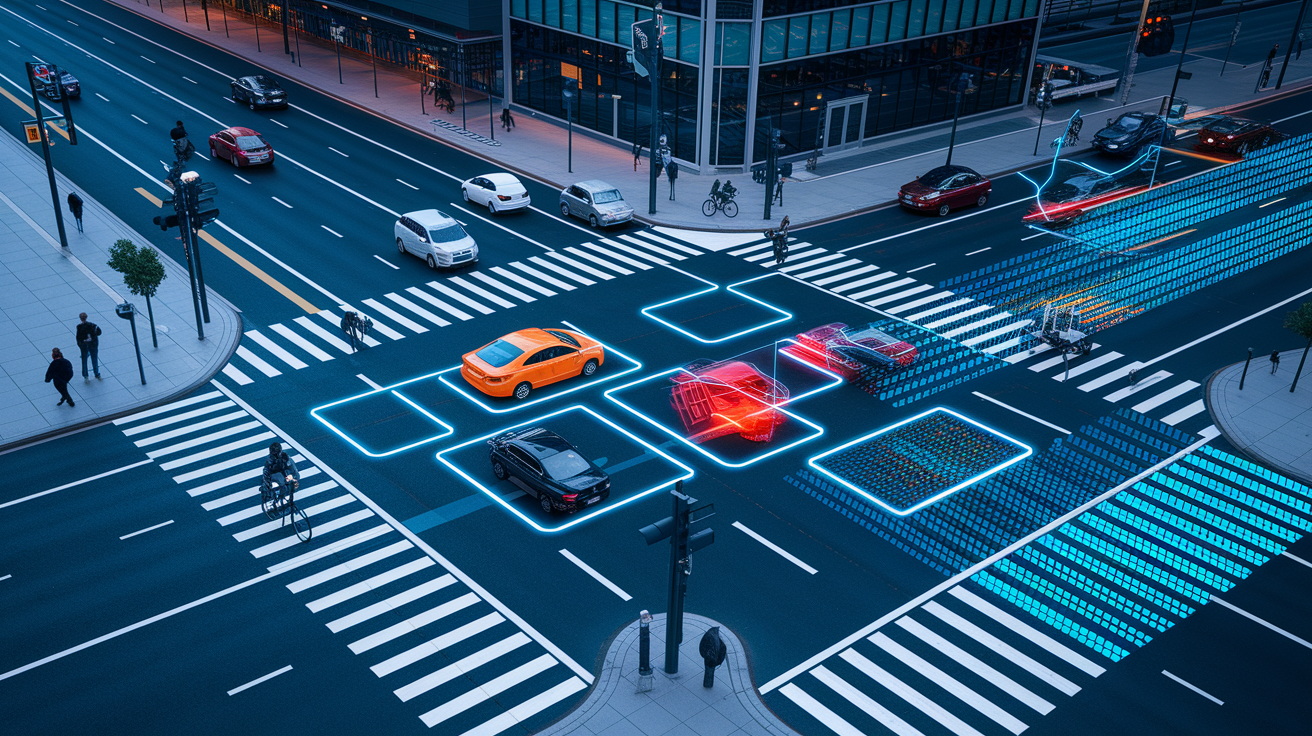
Computer vision is the branch of artificial intelligence focused on teaching machines to interpret images, video, and other visual data. Instead of just storing a photo, a computer vision system looks at it and tries to answer questions like “what’s in this scene?” or “where is that object located?” It turns raw visual data into something useful, like a label, a bounding box drawn around a car, or a map showing which pixels belong to which object.
Pattern recognition is the broader discipline sitting underneath all of this. It’s about finding regularities, categories, or repeating structures in data, and that data doesn’t have to be visual at all. It works on speech, text, sensor readings, financial transactions, or medical records just as easily as it works on images.
Here’s the simple version of how they connect. Pattern recognition supplies many of the methods that let computer vision systems recognize and interpret what’s in front of them. Picture a traffic camera watching a busy street. Computer vision processes that scene, and pattern recognition is what actually helps the system pick out pedestrians, vehicles, and traffic signals from everything else in the frame. Basic image processing is a different thing entirely. It might sharpen a photo, adjust its brightness, or crop it, but it doesn’t try to understand what the image means. That interpretation step is where computer vision and pattern recognition take over.
| Concept | Primary Focus | Typical Input | Example Output |
|---|---|---|---|
| Computer Vision | Interpreting visual content | Images, video, visual data | Labels, bounding boxes, pixel maps |
| Pattern Recognition | Finding and classifying patterns in data | Visual, audio, text, or sensor data | Categories, classifications, detected anomalies |
| Image Processing | Modifying or enhancing images | Raw or digital images | Sharpened, resized, or filtered images |
From Pixels to Meaning: The Role of Pattern Recognition
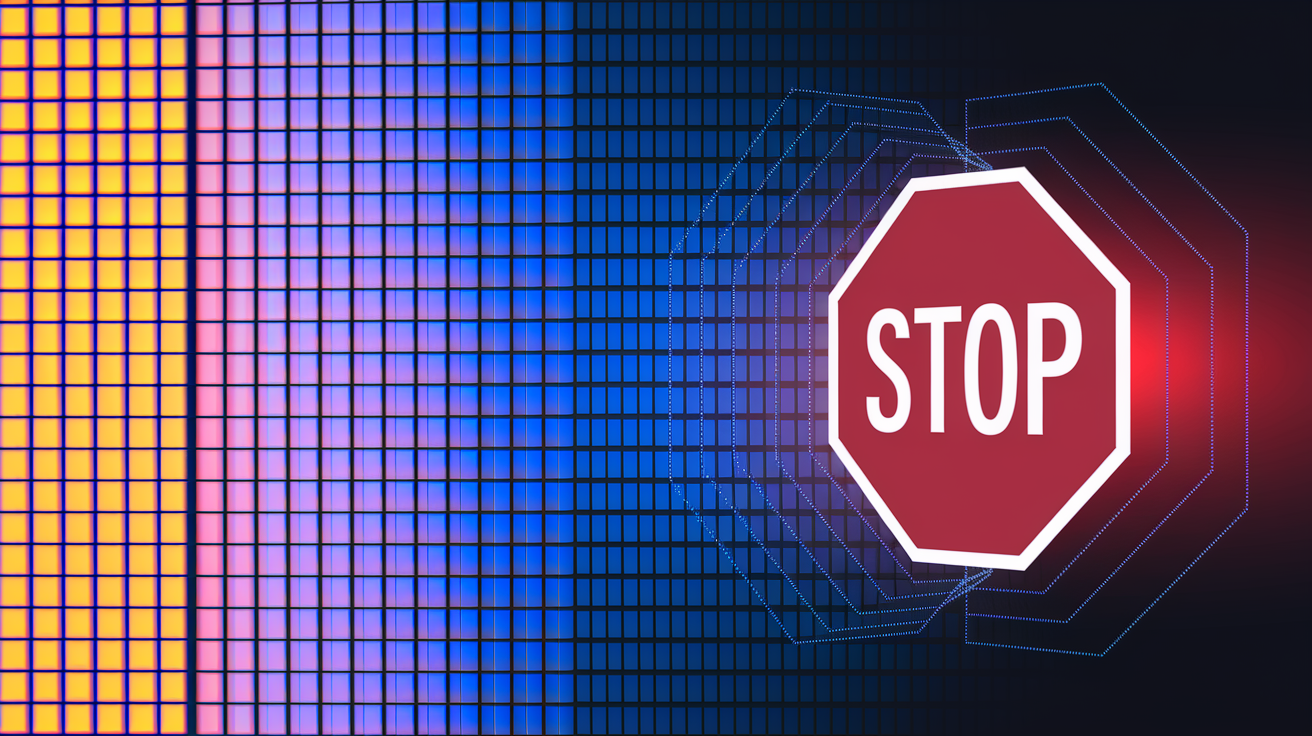
A digital image, at its core, is just a big grid of numbers. Every pixel holds a value representing color or brightness, and on its own, that grid means nothing. There’s no built-in label saying “this is a dog” or “this is a stop sign.” Something has to do the work of turning that raw grid into a concept a person, or another system, can actually use.
That’s where feature extraction and pattern recognition come in. Feature extraction pulls out the small details that matter, edges, corners, textures, color patches. Pattern recognition then groups those details into something recognizable. Think about how you’d spot a stop sign. First you notice an edge (the octagon shape), then a color pattern (red), and only after your brain combines those clues does “stop sign” click into place. Vision systems work through a similar layered process, just with math instead of instinct.
This shift, from raw pixels to labeled decisions, is what makes visual data actually useful. It’s also what lets computer vision automate tasks, support better decisions, and pull insights out of huge volumes of images that would take a person forever to sort through by hand. The specific techniques behind this transformation, from older hand crafted feature methods to modern learned features, are covered in detail in the methods section below. For now, it’s enough to know that better hardware, bigger datasets, and smarter algorithms have steadily pushed this pixel to meaning process forward.
How the Computer Vision and Pattern Recognition Pipeline Works

Every computer vision system, no matter how advanced, follows a similar basic journey from raw visual input to a usable result. Understanding this pipeline helps make sense of everything that follows, without getting lost in specific tools or model types just yet.
Visual Input and Image Acquisition
It all starts with capturing the image or video. This could come from a smartphone camera, a security feed, a medical scanner like an MRI machine, a satellite orbiting overhead, or a factory floor camera watching a production line. Whatever the source, this step is simply about collecting the raw visual data that everything else will depend on.
Image Preprocessing
Raw captures are rarely ready to use as is. Preprocessing cleans things up. Images often get resized so every input matches the same dimensions, normalized so pixel values fall within a consistent range, and denoised to remove grainy interference. Color adjustments and data augmentation, like rotating or flipping images, are also common here. This step is about creating a consistent, reliable starting point for whatever comes next.
Feature Extraction
Once an image is clean and consistent, the system starts pulling out the details that matter: edges, shapes, textures, colors. This is the bridge between “just pixels” and “meaningful visual information.” The specific techniques and algorithms used for feature extraction get their own detailed treatment in the next section.
Model Training
Before a system can recognize anything, it needs to learn. Training means feeding it many labeled examples, like thousands of images tagged “cat” or “not cat,” so it can start associating specific features with specific outcomes. The more relevant and varied the training data, the better the system tends to perform later on.
Inference and Classification
Once trained, the model is ready to work on new, unseen images. It evaluates the input, compares it against what it learned, and produces an output: a label, a location, or a confidence score showing how sure it is about its answer.
Picture this whole flow as a simple left to right diagram: camera icon, arrow, preprocessing gears icon, arrow, feature extraction magnifying glass icon, arrow, training brain icon, arrow, final labeled output icon.
Final Words
In the action, we defined computer vision as turning images and video into meaning, and pattern recognition as finding regularities across data. A street-camera example showed how vision identifies pedestrians and traffic, while image processing mainly changes pixels.
We ran the pipeline. Capture, preprocessing, feature extraction, training, then inference — the flow that turns raw pixels into labels, boxes, or masks.
Ask “what is computer vision and pattern recognition” and try a small experiment: label a few images, tweak preprocessing, and watch output change. Keep going, it’s useful and doable.
FAQ
Q: Can you explain computer vision in a simple way?
A: Computer vision is the AI field that teaches machines to interpret images and video, turning pixels into labels, boxes, or maps so systems can recognise people, objects, and actions rather than just edit pictures.
Q: What type of people have high pattern recognition?
A: People with high pattern recognition tend to notice regularities quickly, are detail-oriented and curious, and often have practice—think coders, clinicians, musicians, analysts, or anyone who trains spotting recurring signals in their work.
Q: What is an example of pattern recognition?
A: An example of pattern recognition is a camera system identifying pedestrians by matching shapes, motion, and clothing patterns across frames to label and track people in traffic scenes.
Q: How do I learn pattern recognition?
A: You learn pattern recognition by practicing spotting regularities, studying basic statistics and machine learning, annotating examples, and testing small projects—like classifying images or finding trends in spreadsheets to build skill.