

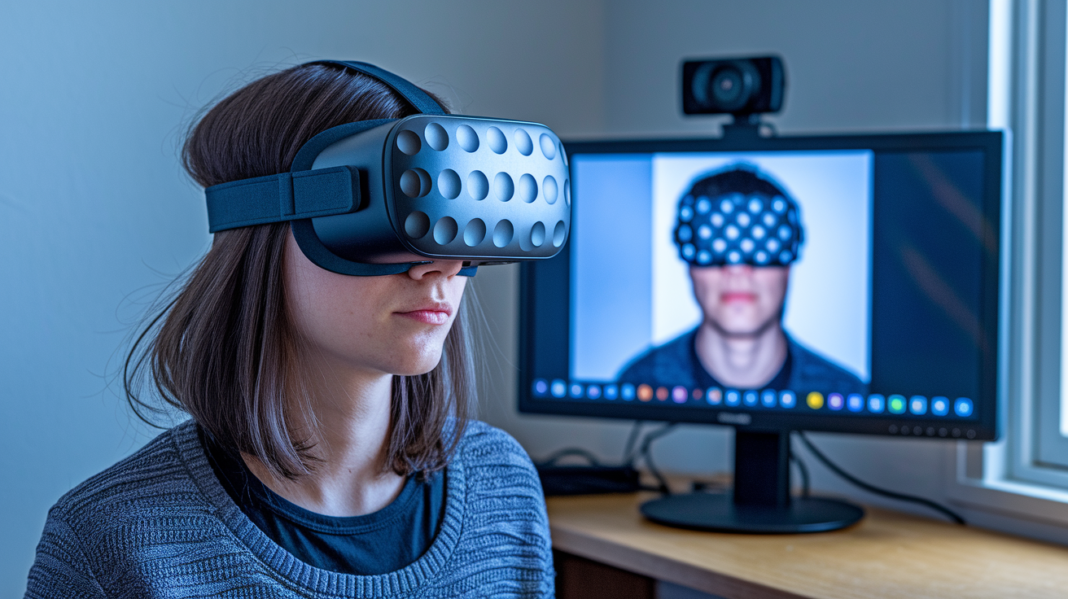

Think a tiny head tilt doesn’t change much? Think again.
Head tracking isn’t magic.
It’s a four-step pipeline that turns your real movement into camera swings, cockpit views, or spatial sound shifts.
We’ll unpack the sensing stage (cameras, IMUs), the head-pose math that fuses data, the mapping that scales inches into virtual feet, and the output your game or headset uses.
By the end you’ll know which sensors matter, how latency sneaks in, and simple tests to try so your tracking feels tighter and more reliable.
Core Definition And Step-By-Step Mechanics Of Head Tracking

Head tracking is the process of turning your head’s position and rotation into digital input that a game, sim, or device can actually use. It’s what lets a small tilt of your head become a full look around the cockpit, a glance out the side window of a truck, or a shift in how spatial audio sounds in your headphones. The physical movement can be tiny. The virtual result can be huge, depending on how everything is set up.
So how does head tracking actually work? It follows the same basic pipeline every time, no matter what hardware you’re using.
- Sensing – A tracker or sensor picks up that your head has moved. This could be an infrared camera watching a point pattern, an inertial sensor detecting rotation, or a webcam reading facial landmarks.
- Head pose estimation – Software takes that raw sensor data and calculates your head’s actual pose, its position and rotation in space. This step is where sensor fusion often comes in, blending multiple data sources into one clean estimate.
- Mapping – The physical movement gets transformed into a usable virtual range. A one-inch lean might become a three-foot shift in-game. A slight head turn might swing the camera 90 degrees.
- Output – The game or device receives the final tracking data and updates whatever it controls, whether that’s the camera view, a VR display, or the rotation of a spatial audio scene.
This four-stage chain is the backbone of every head tracking system out there. Latency in head tracking, how fast that whole loop completes, depends on every link in the chain working well together. Not just one flashy spec.
Whether you’re flying a jet in a sim, moving your head in VR, or letting spatial audio rotate around you as you turn, the pipeline stays the same. What changes is the sensing stage. And that’s where things get interesting.
What Sensors And Technologies Make Head Tracking Possible?
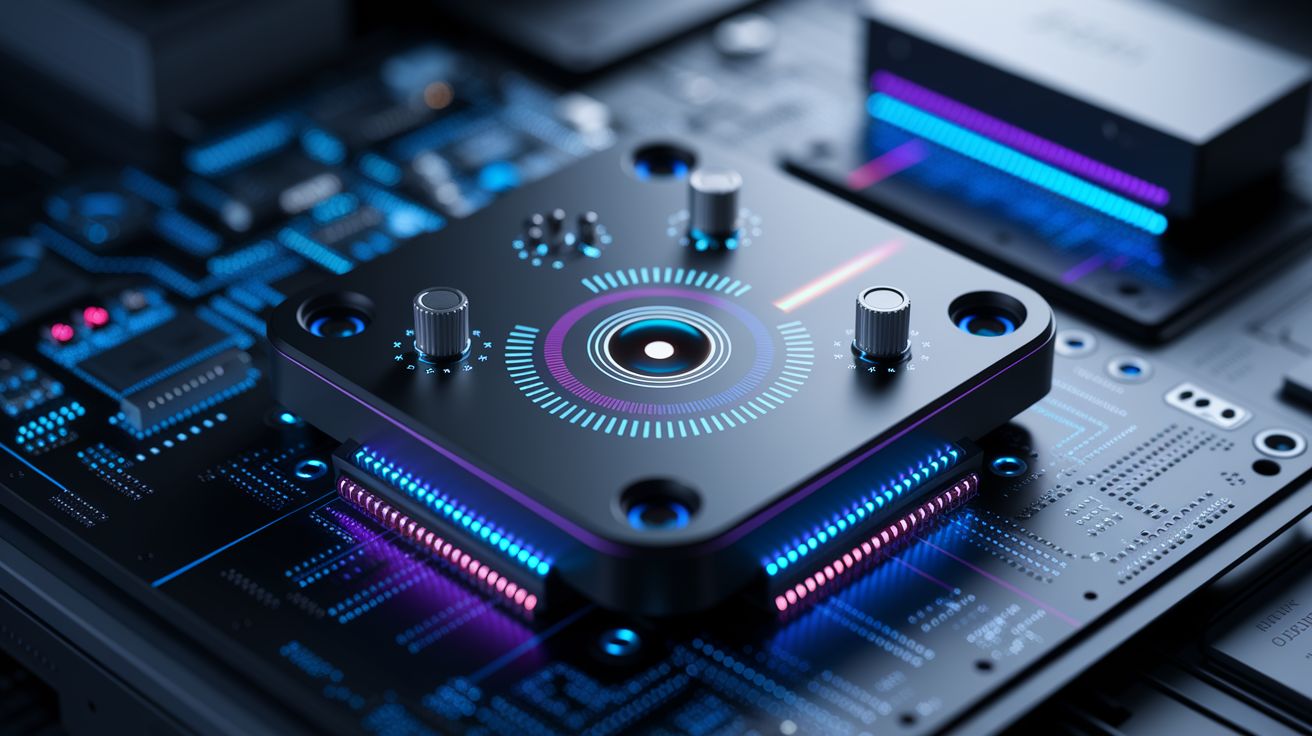
Before software can calculate anything, it needs raw movement data. That data comes from a handful of sensor types, each suited to a different piece of the puzzle. Some systems lean on one method. Others blend several together for better stability.
- Gyroscope – Measures rotational movement, picking up on yaw, pitch, and roll as your head turns or tilts.
- Accelerometer – Detects motion and tilt by measuring acceleration forces, helping confirm whether you’re leaning, moving, or holding still.
- Magnetometer – Acts like a digital compass, correcting for heading drift so your sensor doesn’t slowly lose track of which way is “forward.”
- Infrared camera – Reads light from an infrared emitter rather than relying on room lighting, so infrared tracking keeps working even in a dark room. One common setup pairs a 60 fps IR tracking camera with a rechargeable three-point emitter rated for up to 16 hours of continuous use.
- Standard or depth camera – Captures a normal or depth-based image of your face or head, feeding software that estimates position through visual landmarks rather than light points.
Gyroscopes and accelerometers fall under what’s usually called IMU sensors, short for inertial measurement units. They’re compact, fast, and don’t need a clear line of sight to a camera. Optical tracking systems, including infrared and camera-based tracking, tend to offer more precise positional data but need an unobstructed view.
Most real-world head tracking setups don’t pick just one sensor type and call it done. They combine two or more, using the strengths of each to cover the other’s weak spots. That blending act, known as sensor fusion, is exactly why different tracking methods can be compared and mixed in so many ways. Which is what we’ll get into next.
Optical, Inertial, And Hybrid Head Tracking Methods Compared
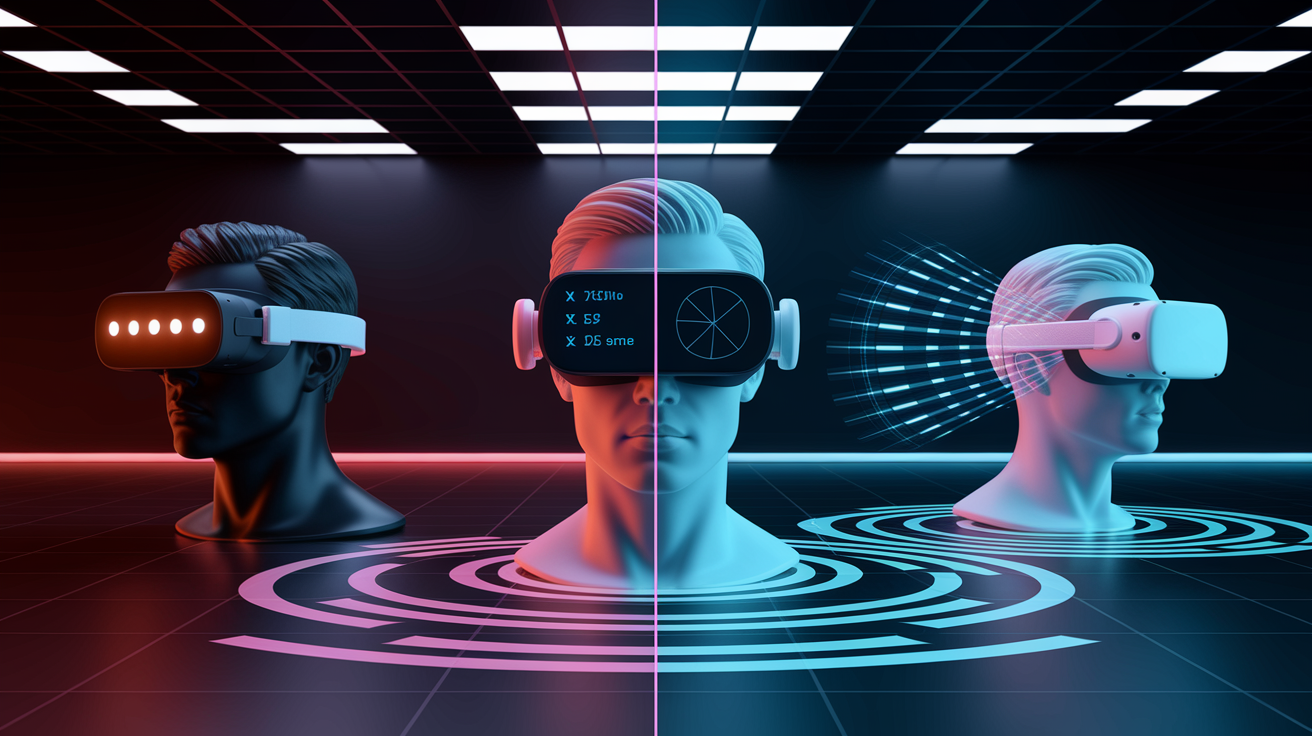
Before comparing methods, it helps to understand degrees of freedom. 3DoF tracking covers rotation only, yaw, pitch, and roll. 6DoF tracking adds positional movement across X, Y, and Z axes, which is what lets you lean sideways, duck down, or shift your head forward and actually see that reflected in-game. A three-point infrared LED pattern, for example, lets software infer both rotation and position just by watching how the shape and location of that pattern change in the camera’s view.
Optical systems split into two broad camps too. Inside-out tracking uses cameras mounted on the headset itself, looking outward at the room. Outside-in tracking flips that, using external cameras or sensors aimed at the headset. Each has trade-offs in setup complexity and tracking volume.
| Method | How It Works | Best For |
|---|---|---|
| Optical, Marker-Based | Camera tracks fixed IR points or fiducial markers with known geometry | Stable, precise tracking for sim racing, flight, and desktop VR setups |
| Optical, Markerless | Webcam or ML model reads facial features without physical markers | Casual setups, quick testing, low-cost experimentation |
| Inertial-Only | Gyroscope and accelerometer data estimate rotation without a camera | Simple 3DoF needs, headphones, devices without line-of-sight requirements |
| Hybrid | Combines optical and inertial data through sensor fusion | VR headsets, AR devices, and any setup needing low-latency 6DoF accuracy |
Marker-based tracking tends to be more stable since the software always knows what pattern it’s looking for. Markerless tracking, including webcam face-tracking and machine-learning-based approaches, is more flexible and easier to set up, but it usually can’t match the same precision.
VR headsets typically lean on 6DoF hybrid or inside-out
Final Words
We turned tiny head movements into digital input, walking the four-step pipeline: sensing, pose calculation, mapping, and output.
You saw the sensors that make it work and how optical, inertial, and hybrid methods compare.
We also covered why accuracy and lag happen and what to tweak.
The same pipeline runs games, VR displays, and spatial audio.
If you’re still wondering how does head tracking work, watch the sensor-to-output chain in your setup — small tweaks often make a big difference.
FAQ
Q: Is head tracked better than fixed?
A: Head-tracked view is often better than a fixed view for natural camera control and spatial audio, because small head turns map to the scene. It’s more immersive but needs reliable sensors and mapping.
Q: How does the Head Tracking feature work on the iPhone?
A: The iPhone’s Head Tracking feature uses the front camera and motion sensors to estimate head pose, then updates spatial audio or camera framing in real time for a stable, dynamic experience.
Q: What’s the point of head tracking on AirPods?
A: The point of head tracking on AirPods is to keep sound anchored to the screen, so audio stays fixed to the video or virtual scene while your head moves, making listening more realistic and immersive.
Q: Can any webcam do head tracking?
A: Not every webcam can do reliable head tracking; many basic webcams can run simple markerless face-tracking, but accurate, low-latency tracking often needs higher frame rates, good lighting, or IR/depth sensors.